HomeKit timer switch for Apple Home
Three keys.Three times you choose.
Made for Apple Home
- No bridge required
- Native integration
- Works with Siri
Give each key its own time in Apple Home: a quick 5 minutes, half an hour after a long shower, or anything up to four hours. Press one and the fan runs that long, then turns itself off. No bridge.
Thanks. One quick question: do you use Apple Home?
Would you test a prototype at home?
You're on the list. One email when there's news.
A concept, around $129. Not for sale yet.- Made for Apple Home
- No bridge required
- Native integration
- Works with Siri
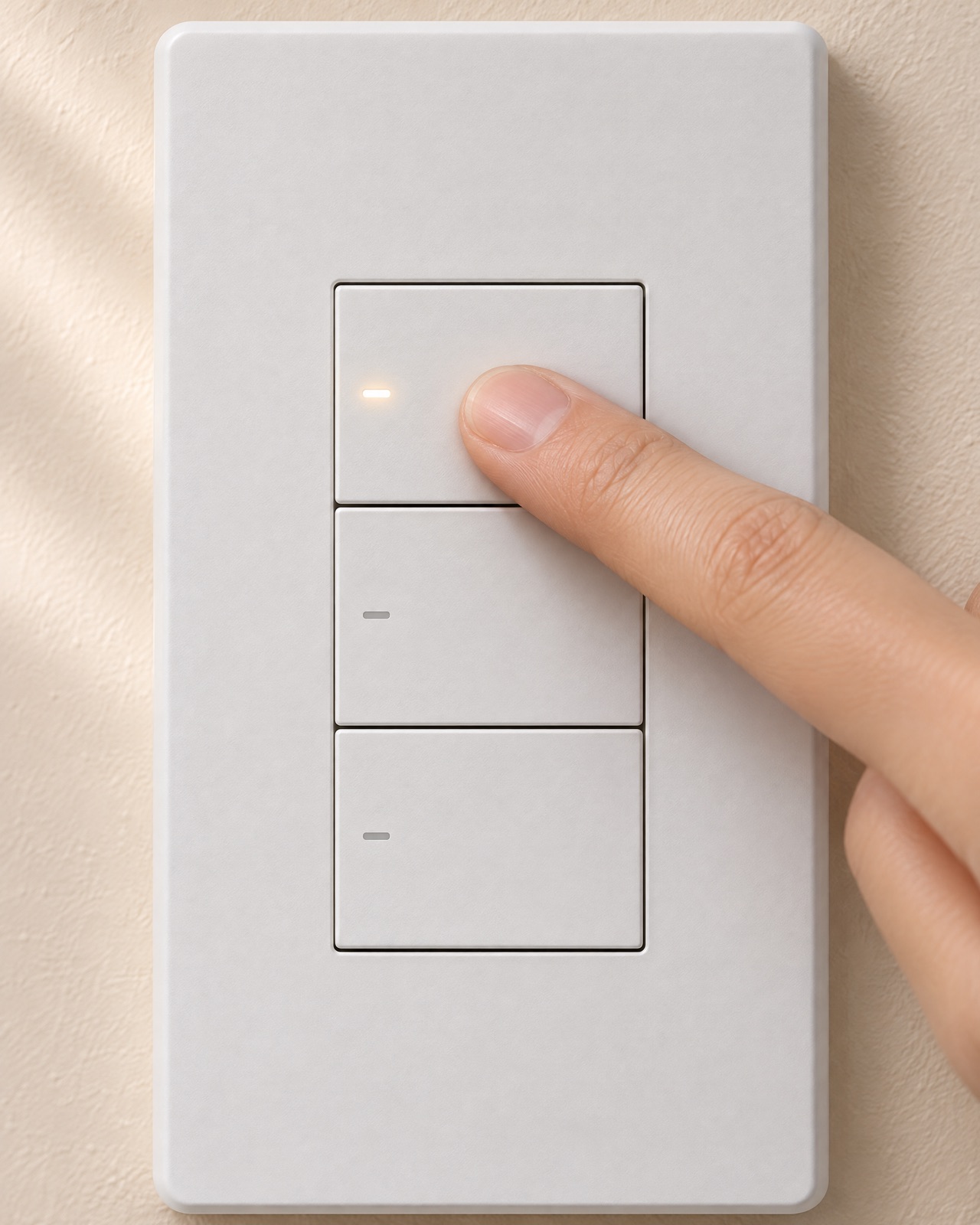
Set each key to any time you want.
Nothing is fixed at the factory. In Apple Home you give each key its own time, anywhere from 1 minute to 4 hours, and change it whenever you like. Try it below.
Wire it to anything you want on for a while.
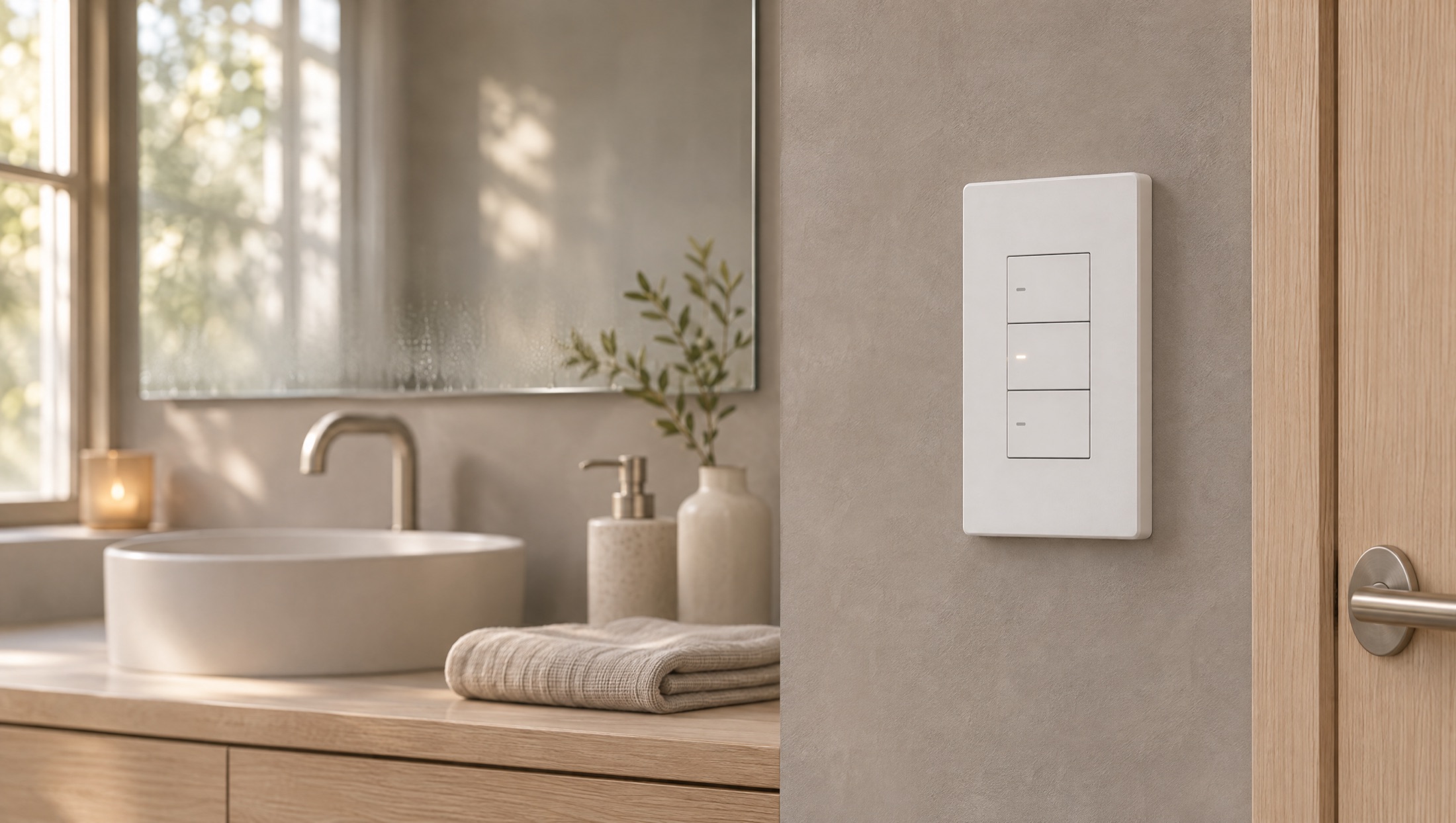
then off.
after dark.
Set it up in Apple Home.
The switch is meant to appear in the Home app like any other accessory. Each key gets its own time, and the fan it runs shows up on your phone too.
Left: your Home tab, with the fan the switch controls. Right: the switch's button settings, where each key gets its own time.
Change a key from your phone, start one from bed, or let a scene use it.
Illustration of the Apple Home app for this concept. Integration is intended, not yet built or certified. Apple and Apple Home are trademarks of Apple Inc.; not affiliated with or endorsed by Apple.My Home
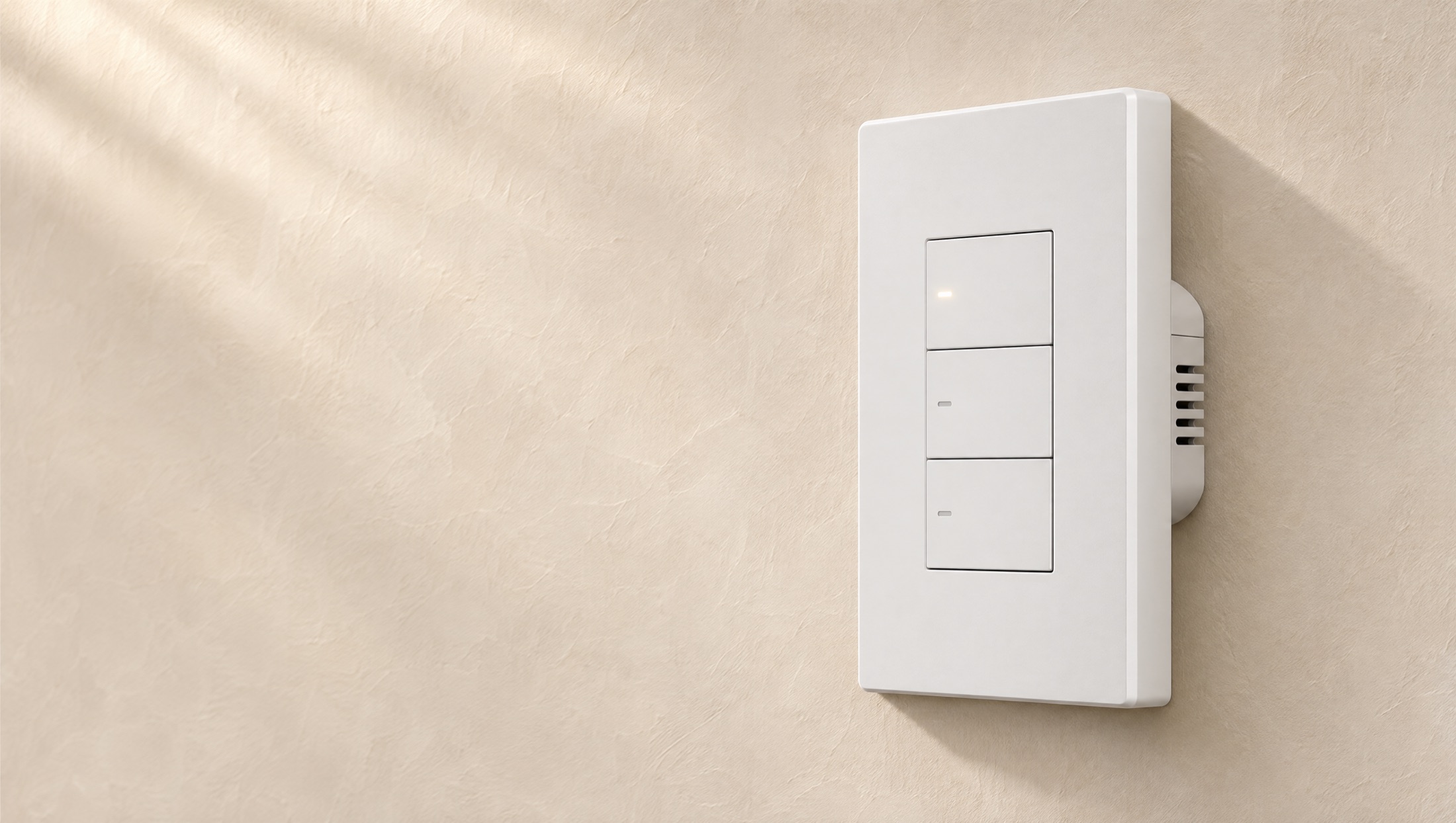
Off at 8:27 AM.
Nobody had
to remember.
When the time's up, the light goes out.
Questions, answered.
Does Apple Home have a timer switch?
Apple Home can turn a fan or light off after a set time, but only through an automation you build in the app. Timer Switch puts the times on the wall: three keys, each with its own time, so one press is all it takes.
How do I put a bathroom fan on a timer with HomeKit?
Timer Switch replaces the fan's wall switch. In Apple Home you give each key a time, say 5, 15 and 30 minutes. Press a key and the fan runs that long, then turns itself off.
Do I need a bridge or hub?
No bridge is required. It's made to join Apple Home directly, unlike switches that need a separate Matter bridge.
What times can each key have?
Anything from 1 minute to 4 hours. You set each key in Apple Home and can change it whenever you like.
Does it work with Siri?
Yes. It works with Siri like any other Apple Home accessory.
What can I wire it to?
One wired device per switch. Usually a bathroom fan, but also a towel warmer, a porch light or a garage light: anything you want on for a while.
Can I buy it?
Not yet. It's a concept, around $129. Sign up for early access and you'll hear first if we build it.
Get early access.
If we build it, you'll hear first, and early sign-ups get the first units. Around $129. One email when there's news.